
LANDSCAPE APPROACH DATA PORTAL
The BLM's Landscape Approach Data Portal is a one-stop source for BLM national datasets and geospatial data, maps, models and reports produced by BLM's landscape initiatives including the:
-
Rapid Ecoregional Assessments (REAs),
-
Fire & Invasives Assessment (FIAT) program,
-
Assessment, Inventory, and Monitoring (AIM) program,
-
Integrated Rangeland Fire Management Strategy (IRFMS), and
-
Sage-Grouse Initiative.
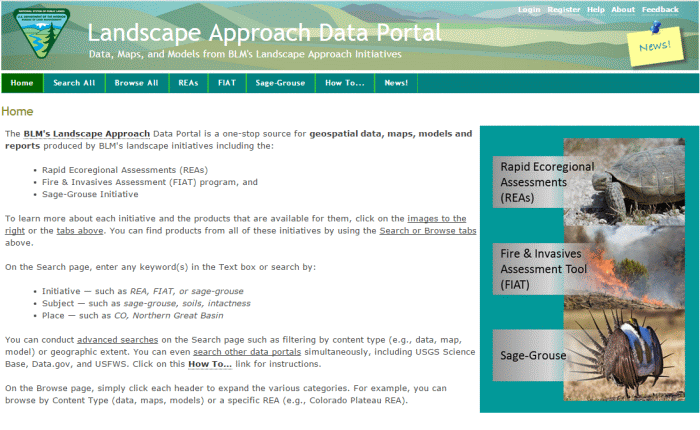
Click on the image to go to the data portal
The data portal is easy to use! You can conduct basic keyword searches, search by content type (downloadable data, map services, models), or browse by a topic (wildlife, energy, forest). However, there are thousands of data sets and hundreds of maps available so it helpful to know a few tricks. The User's Guide and the video tutorial (seen below) illustrate valuable search techniques that will help you find what you are looking for! Here's a tip to get you started:
|
SEARCH TIP! You can search for data from multiple sites! On the Search page, simply select the sites that you would like to search.
|
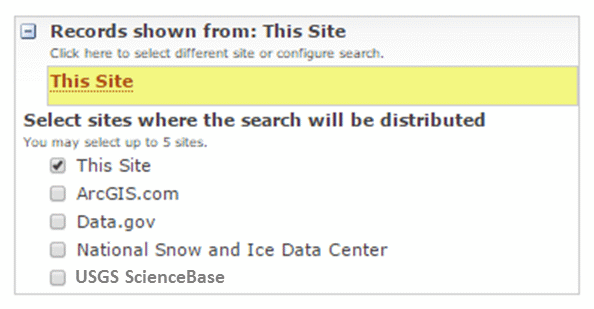
Learn some useful tips and tricks for finding products on the Landscape Approach Data Portal.
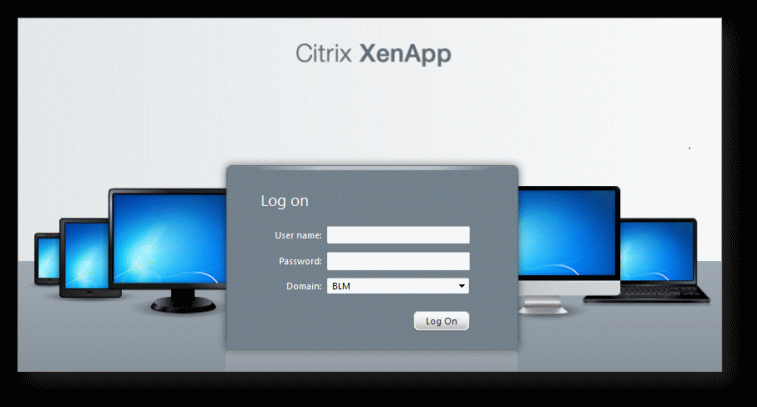
You can access ArcGIS Desktop and work directly with REA data, maps, and models by using EGIS Citrix! More info (BLM access only)
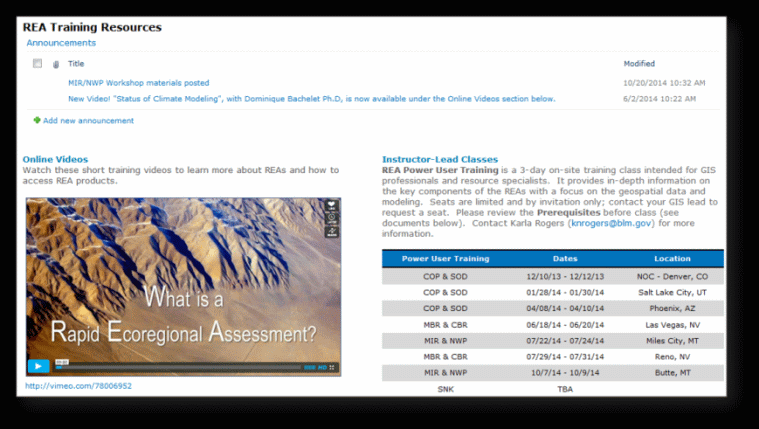
Visit the REA Sharepoint site for more information on REAs such as training resources for BLM employees.
(DOI access only)
Access ArcGIS Desktop & Files via Citrix (BLM personnel only)
BLM personnel who do not have access to ESRI ArcGIS Desktop applications (i.e., ArcCatalog and ArcMap) can access them by logging into Citrix. Citrix also provides direct access to files stored at the NOC (an alternative to using the data portal). Read the Citrix User's Guide to learn about how to access ArcGIS Desktop and products through Citrix.
All BLM Personnel:
- Log into Citrix to work directly with data, maps, and models whether you have a local installation of ArcGIS or not. Using Citrix will increase speed and performance.
To report problems either with the Data Portal or with data products, please Contact Us.